Work with your light measurements online
No matter how you got you got hold of your light measurement files, you can work with them in Viso Photometric Editor.
Photometric
Editor
FREE
Photometric
Editor PRO
SUBSCRIPTION
per month
Everything from the free version plus:
Photometric
Editor PRO
SUBSCRIPTION
per year
Everything from the free version plus:
Photometric
Editor PRO+
SUBSCRIPTION
per year
Everything from the PRO version plus:
ABOUT PHOTOMETRIC EDITOR
Viso photometriceditor.com free online photometric editor lets you do everything you would expect from a subscription tool:
Watch the short website introduction here.
Main ADVANTAGES
Work with LDT and IES files coming from all sources (measurement laboratories, your own system, Viso measurement systems, etc.)
Edit details, scale lumen packages, symmetrize, change between imperial and metric units, save as new files (also TM33) and PDF reports.
Make pro reports in your own design.
Make your own private IES/LDT library – also serves as a backup system
Get more information
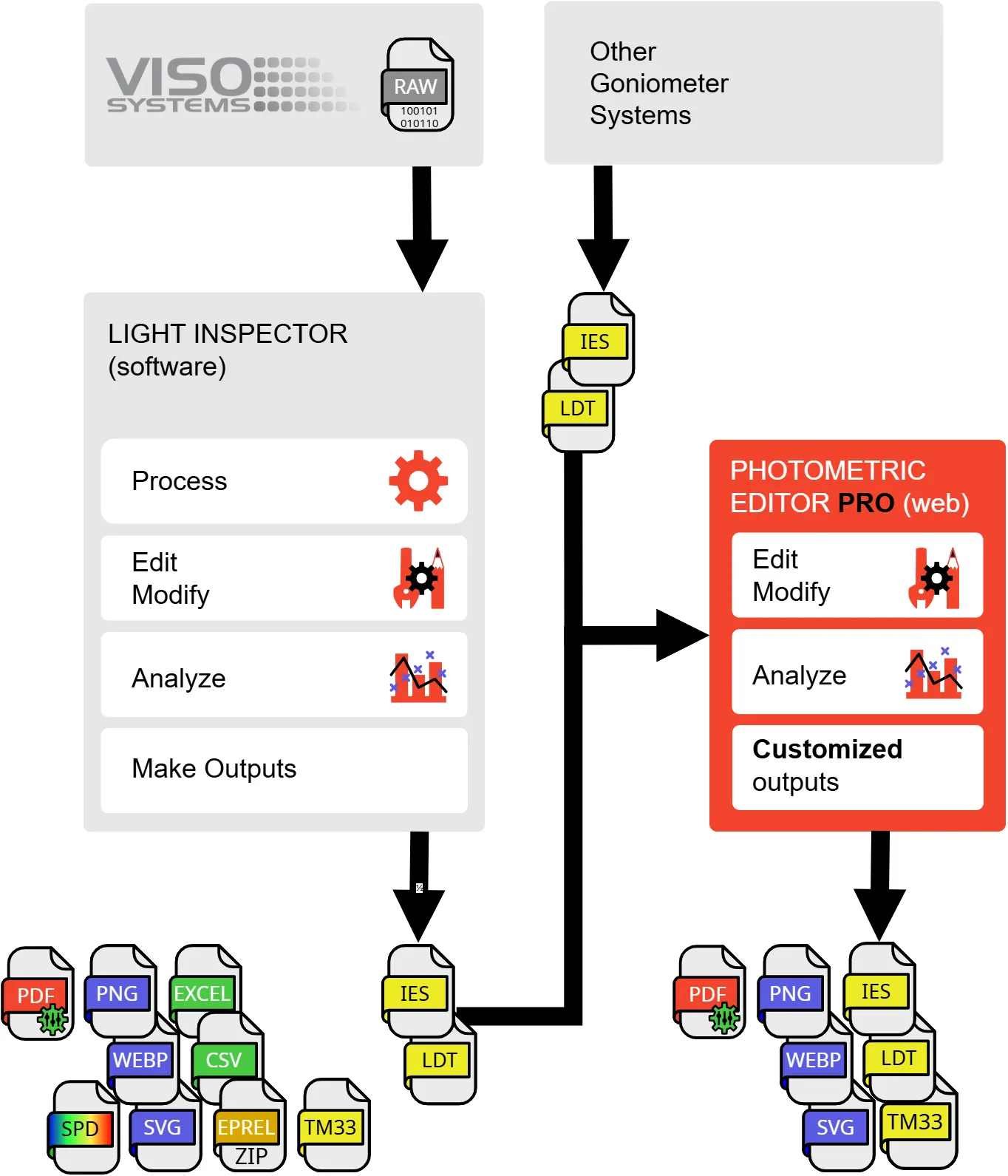
This is the relation to Viso PC Software
You don’t need to install anything on your computer to use Photometric Editor PRO, as it is a fully web-based application. Photometric Editor PRO is built on Viso’s expertise in processing and presenting photometric measurement results for photometric laboratories.
Viso Light Inspector is the market-leading PC software that controls Viso photometric laboratory equipment and extracts and presents data. Our laboratory equipment produces both photometric (IES/LDT) and spectral (SPD) data, so Viso Systems has deep insight into all aspects of photometry and spectroscopy, which can also be applied in the web application Photometric Editor PRO.
Do you want even more data and output flexibility?
Photometric Editor PRO is a great tool, but if you need full freedom to work with all aspects of photometric data, you can now import IES/LDT files, as well as spectral information into the Viso software from any system. This subscription-based solution is called Light Inspector Access.
Application images
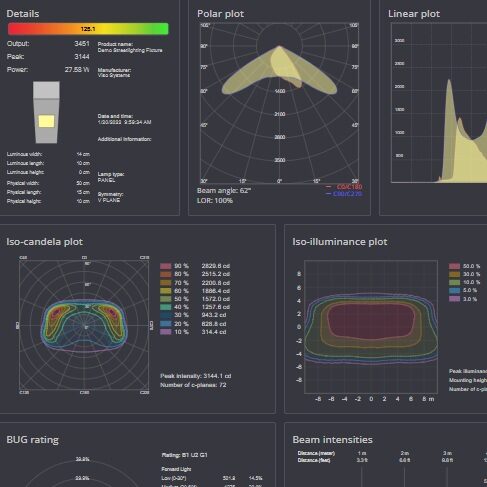
What is in the IES or LDT file? Get the overview, edit and add details, save as a new file.
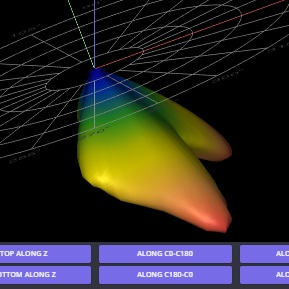
Analyze the light distribution with the interactive 3D viewer
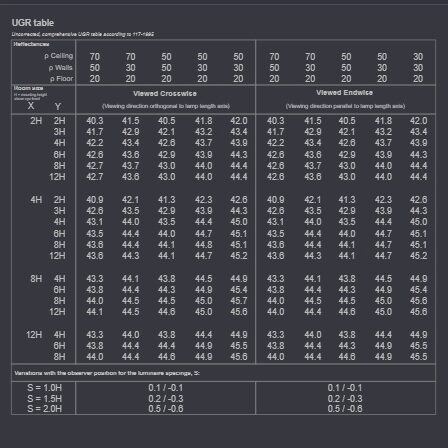
Symmetrize and make UGR tables.
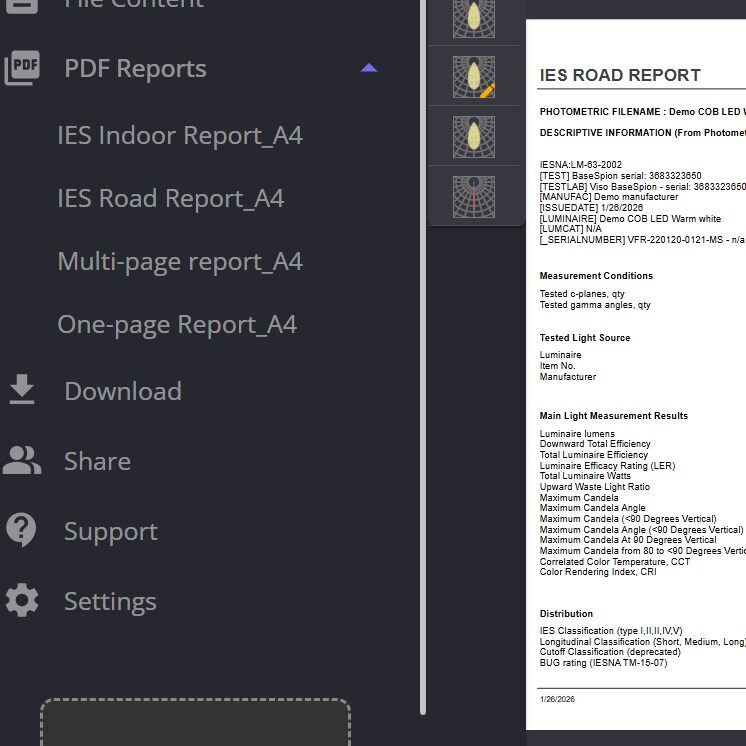
Export as nicely designed DPF reports